
Start with what was meant
Describe one innocent word or action and its intended meaning. Prepare a possible romantic reading beside an equally valid innocent explanation.
One innocent moment between adults
An innocent gesture.
A possible misunderstanding.
A graceful way to clarify.

A light moment with room to explain
Prepare a gentle misunderstanding for your table.
Describe one innocent word or action and its intended meaning. Prepare a possible romantic reading beside an equally valid innocent explanation.
Review the reaction, optional response opening, clarification and graceful exit. Leave actual attraction, consent and player responses with your table.

A ribbon gesture in a conservatory
The illustration shows a smiling adventurer reaching toward a white-haired elf’s blue shoulder ribbon and gold brooch while pointing across a flower-filled conservatory. Nearby companions watch the gesture.
Describe the innocent action, intended meaning, relationship and cultural context. Identify the detail that could be misread and place that possible reading beside the innocent explanation.
The act, its meaning and a way forward
Prepare one small social moment in detail.
Begin with one ordinary word or gesture. Describe what happened and what the person actually meant.
Describe the two adults, their relationship, location and privacy. Keep the moment suitable for the people playing it.
Name the facts that must remain unchanged. Use them when reviewing the scene and its possible interpretation.
Choose the tone and cultural context. Fit the possible misunderstanding to the setting rather than assuming every gesture means the same thing.
Choose who notices and how strong the possible reading should be. Frame one fallible interpretation beside the innocent explanation.
Identify the specific detail that might look romantic. Keep it distinct from what the person meant and from any actual attraction.
Prepare a restrained visible reaction and an optional opening for a response. Leave the response itself with the player.
Prepare a clear way to explain the innocent meaning and a face-saving way for either person to move on.
Describe consent boundaries, known sensitivities and when the moment should stop. Review these with the people at your table.
Review the player-facing scene beside the full Dungeon Master material and private continuity notes. Choose what to share.

A garland and a lakeside festival banner
The illustration shows an elf holding a flower garland beside a lakeside festival table. A companion points toward a banner showing three figures holding hands, while friends and a dog share the scene.
Choose the tone, cultural context, audience and strength of the possible reading. Review the original meaning, a clarification opening and a comfortable way for either person to move on.
From innocent gesture to table-ready scene
Keep the scene focused on one moment.
Name the innocent words or action, intended meaning, two adults and their relationship. Add location, privacy and the facts to preserve.
Set tone, cultural context, audience and reading strength. Choose whether any mutual interest is allowed in the scene you are preparing.
Add sensitivities, relationship history, differences in authority and private continuity notes. Name conclusions to avoid and when to stop.
Read the cue, possible romantic reading and innocent explanation together. Choose what to share and leave responses and relationship decisions with your players.
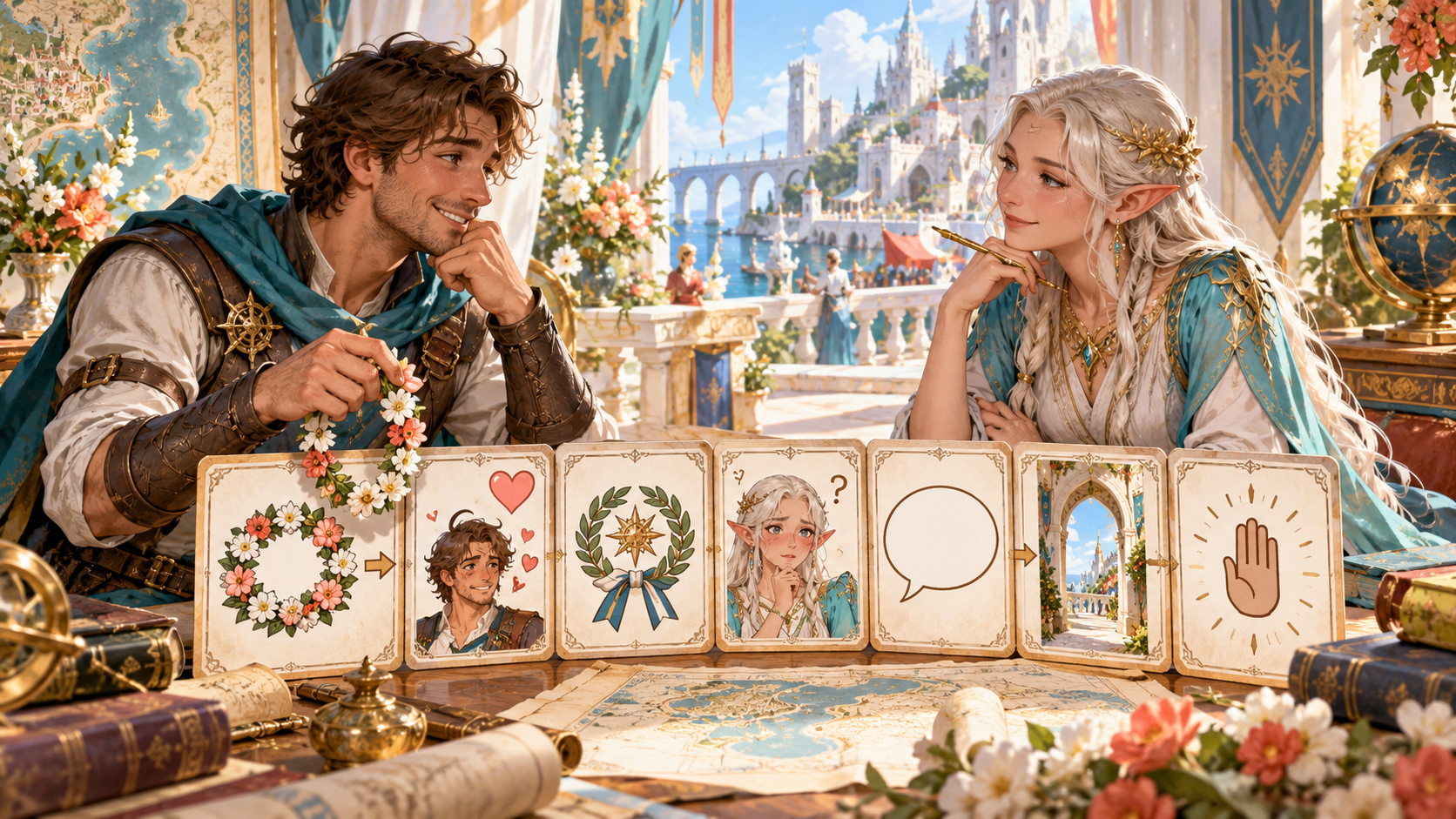
Cue, interpretation, clarification and exit cards
The illustration shows two companions at a planning table with a flower garland and illustrated cards: the garland, a romantic reading, a ribbon, an uncertain expression, a speech bubble, an open archway and a raised hand.
Review the possible reading beside the innocent meaning. Prepare an optional response opening, a clear clarification, a face-saving exit and the boundary for stopping the moment.
Keep your social moments
Organise scenes for your session preparation.
Review, edit, lock or reroll the scene while preparing it. Check the innocent act, meaning and boundaries before bringing it to play.
Save a moment, reopen, rename or duplicate it. Use search, tags and notes when organising your preparation.
Read the player-facing scene beside the full Dungeon Master view and private continuity notes. Review custom edits before sharing.
Copy the full Dungeon Master or player-facing view, download the structured record or print the scene for your session notes.
Your workspace and related tools
Open your tools through your VISINVOKE account.

Open Accidental Flirting Generator in DCC. Get the desktop workspace through your account installer page.

Prepare a separate story about making amends, its cost and how others respond. Use that material alongside your adventure.
Product illustrations show a festival garland, a conservatory ribbon gesture, a lakeside clarification and illustrated scene-planning cards.
Questions and answers
Prepare its context and a comfortable way forward.
It prepares one innocent word or action that could plausibly be read romantically, the cue behind that reading, the innocent explanation, an immediate reaction, clarification and a graceful exit.
Describe the innocent act, intended meaning, two adults involved, their relationship, setting, privacy and facts to preserve. Choose the tone, reading strength and mutual-interest setting, then generate and review.
Add cultural context, audience, relationship history, sensitivities, differences in authority, consent boundaries, willingness to clarify, conclusions to avoid and private continuity notes.
Treat it as one possible interpretation of an innocent moment. Keep actual attraction, consent, relationship choices and every player response with the people at your table.
Review and edit the scene, save and reopen it, rename or duplicate it, and organise moments with search, tags and notes. Copy the full Dungeon Master or player-facing view, download the structured record or print it. Review private notes and edits before sharing.
Open Accidental Flirting Generator from the Generators collection in VISINVOKE Desktop Control Centre. Create an account or sign in and get DCC through your account installer page.
Continue in VISINVOKE
Create an account or sign in. Get Desktop Control Centre through your account installer page and open Accidental Flirting Generator.
Keep reviewed social moments beside your session preparation.